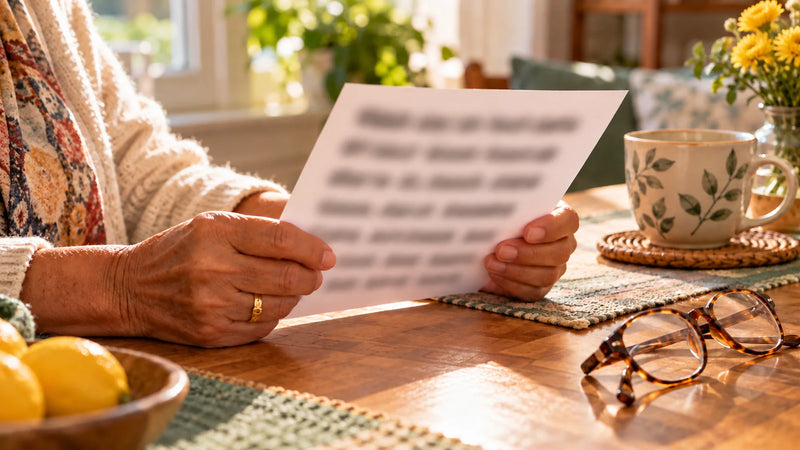
There is an app for everything, including brain games. Some older adults love them. Many others try one, struggle with a password or a pop-up, and quietly go back to the newspaper crossword. That's not resistance to change. Often, paper is simply the better tool.
Zero setup
A printed page doesn't need a login, an update, Wi-Fi or a charged battery. It doesn't ask for a subscription after the free trial. You pick it up and start. For someone who isn't comfortable with technology, removing those steps is the difference between doing an activity and skipping it.
Easier on the eyes and hands
Phone screens are small and bright, and buttons can be hard to tap with shaky or arthritic fingers. A large-print page can be held at the right distance, read under good light and written on with a thick pencil. Nobody gets a "wrong tap" message.
Writing by hand keeps you involved
On paper, you do every step yourself: you circle, write, cross out and try again. There's no hint button and no auto-complete. Many people also find handwriting satisfying in itself, a skill they've used their whole life.
Fewer distractions
A tablet is also a TV, a news feed and a message center. Notifications pull attention away every few minutes. A sheet of paper does one thing.
Paper is social
A page on the table invites company. A spouse leans over to help, a grandchild wants to try, a visiting daughter sits down for the answer check. Screens tend to be one person, one device. For many families, the conversation around the page is the best part.
Something to show for it
A finished page can go on the fridge, into a folder, or in the mail to a grandchild. A stack of completed pages at the end of the month is a small, visible record of effort, which feels good.
When screens make sense
This isn't anti-technology. Video calls are wonderful for families far apart, audiobooks open up reading for people with low vision, and some people genuinely enjoy apps. A good approach is to use each tool for what it does best. You can even combine them: print the same page for both of you and work through it together on a video call.
Tips for printing at home
- Print at 100% or "actual size" so large print stays large.
- Print a week at a time and keep the pages in a folder by the coffee maker.
- Black-and-white printing works fine for well-designed pages.
- Keep a soft pencil and a good eraser next to the folder.